What is UX design and how does it affect sales?

CEO 234.studio • 23 February 2026
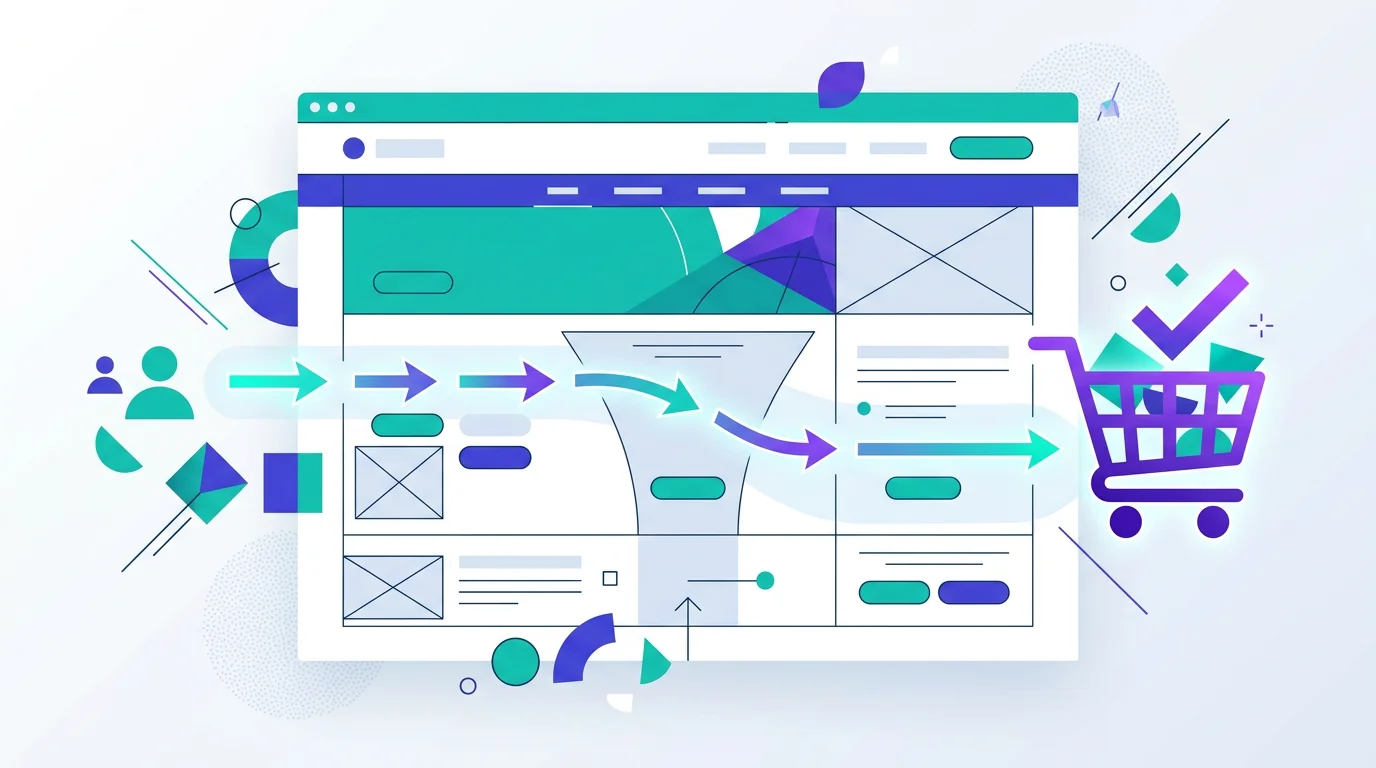
Your website looks polished, yet customers leave. Only one visitor in 10 completes the contact form, and 80% of shoppers abandon their baskets. The visual design may be fine, but the experience is where the trouble sits. UX decides how much business that polished website can generate.
This is UX design in plain language, with a close look at its effect on sales and the signs that a website has started working against its visitors.
What does UX design mean?
UX stands for User Experience. UX design is the process of shaping digital products, including websites, applications and online stores, so they feel clear, comfortable and intuitive to use. Appearance matters, but function comes first.
Picture two physical shops. In the first, products follow a logical order, the checkout is easy to see and a member of staff helps you find the right item. In the second, products lie everywhere, the till is hidden and paying requires three forms. Which shop gets your business today and earns the next visit when you need something again? That is the difference between good and bad UX.
Online, customers can escape faster. They click the close button and reach a competitor within 2 seconds.
How does UX affect sales? The numbers
UX has a direct effect on revenue. The data makes the scale clear.
Forrester research found that each dollar invested in UX can return between 2 and 100 dollars. Removing obstacles between the customer and the purchase explains the range. Fewer barriers mean more people reach the checkout.
According to Akamai research, a customer frustrated by search or a form is unlikely to offer a second chance. A competitor sits one click away. Poor UX makes advertising painfully expensive because you pay to bring people in and the website sends them away.
One agency client had a contact form with 12 fields. We cut it to the 4 pieces of information the team genuinely needed, and submissions tripled. The advertising, offer and price stayed the same. Only the form changed.
UI, or User Interface, covers appearance: colours, typefaces and buttons. UX covers behaviour: whether visitors know what to click, can find what they came for and complete a purchase easily. A beautiful website can be miserable to use, while a plain one can convert exceptionally well. The best projects deliver both.
7 signs that your website has a UX problem
You can spot these problems without UX training. If 3 or more apply to your website, it deserves attention:
-
A high bounce rate. When over 60-70% of people leave after viewing one page, something has put them off. Slow loading, unreadable content and an unclear offer are common causes.
-
Few enquiries despite heavy traffic. A website receives 5,000 visits a month and produces 10 enquiries. People arrive but cannot see the next step.
-
Customers ask about information already on the site. Calls about a published price show that the customer could not find it. Navigation has failed, not the customer.
-
The mobile site feels like a shrunken desktop page. Mobile devices account for over 70% of internet traffic. Tiny copy and controls can cost the majority of prospective customers.
-
Nobody clicks the main call to action. The "Request a quote" button may be too small, buried too far down the page or vague about what happens after the click.
-
Shoppers abandon the basket. If 70-80% add a product but leave before payment, the checkout may have too many steps, forced registration or hidden delivery charges.
-
The website takes over 3 seconds to load. Speed is part of UX. Aberdeen Group research links each extra second with roughly 7% fewer conversions. After 5 seconds, half the visitors may be gone, a pattern also covered in Google's Core Web Vitals guidance.
"Good UX is almost invisible. Visitors complete the task they came for without thinking about the interface. Poor UX makes every step feel like work."
What does good UX look like in practice?
These are the working rules we apply to every project:
Good UX
Key information visible immediately / Up to 3 steps to the goal / Large, clear call-to-action buttons / Short, simple forms / An equally strong mobile experience
Poor UX
A wall of copy with no hierarchy / Contact details hidden away / Pop-ups blocking the content / A 15-field form / Confusing mobile navigation
Good UX leaves room for character and rich visual design. Every element simply needs a purpose and should help visitors complete their task. If they want to buy, shorten the purchase. If they need to speak with someone, put the phone number where they can see it.
Where should you start improving website UX?
A full redesign can wait. Begin with three changes that tend to pay back quickly:
Shorten the contact form
Keep the name, email address and message. Every extra field reduces submissions. Collect secondary details during the first conversation.
Add a visible call to action on every page
Visitors should see how to make contact without searching. Put a "Request a quote" button or phone number in view before they scroll.
Speed up the website
Compress photographs, remove unused scripts and enable caching. Aim for loading below 2 seconds to improve SEO and conversion together.
Summary
UX design is a commercial tool. Each unnecessary obstacle costs money because the company pays to attract a visitor and then loses them before the enquiry or sale.
Small changes can have a large effect. A shorter form, a clearer button and faster loading have doubled enquiry numbers on real projects. Websites older than 3 years are usually ready for a closer review, so start with our guide to building a website from scratch. WordPress users can also read our honest comparison with custom development, then make sure the landing experience deserves the traffic before planning Facebook advertising.
Rafał Krzysztofiak
CEO and founder of 234.studio. He has spent over 10 years designing and building websites and web applications for sole traders, growing teams and established companies.
More about the author