Google Business Profile optimization - practical SEO guide

CEO 234.studio • 29 August 2026
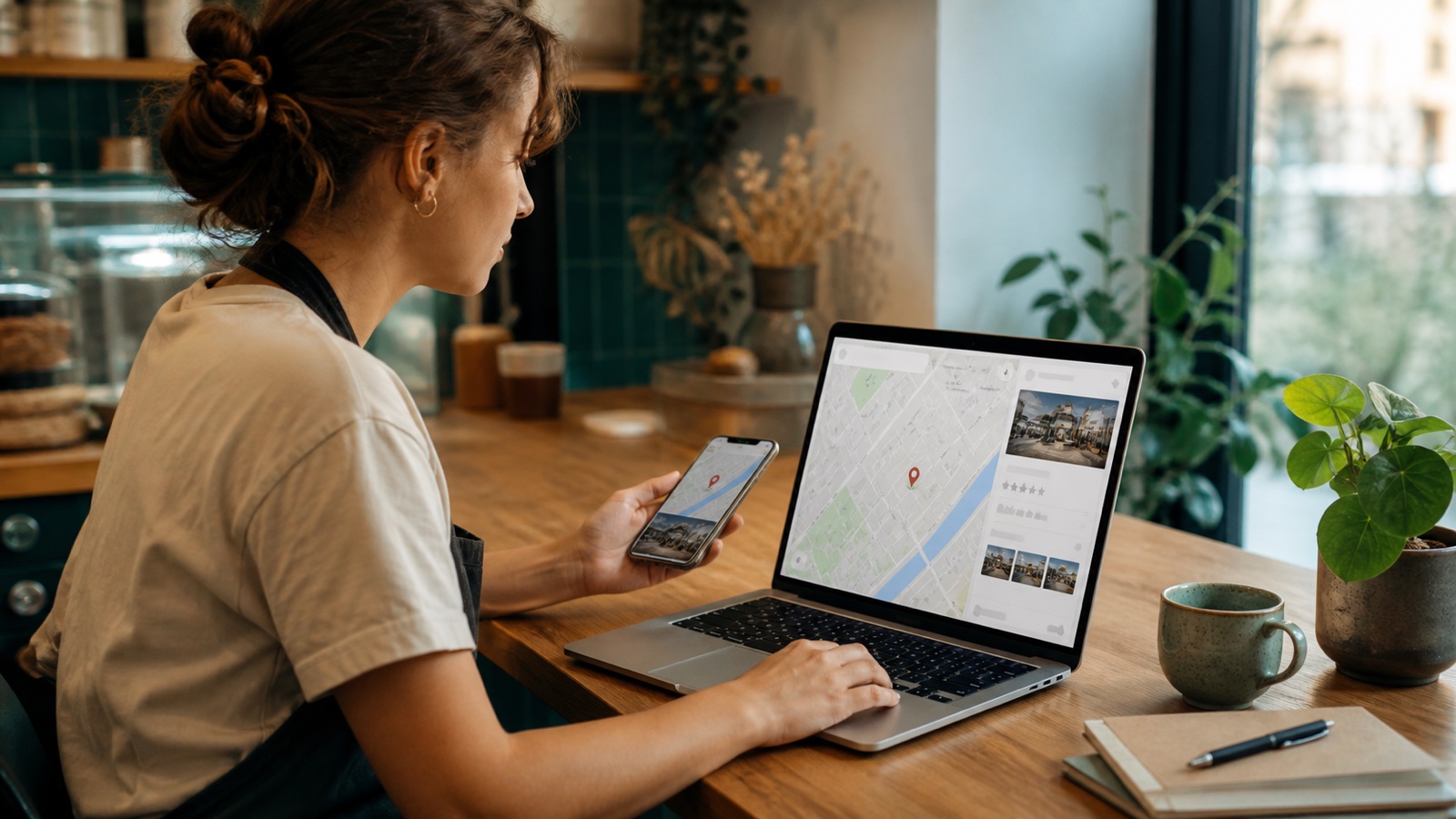
Saturday, 8:12 a.m. A bakery has opened for the morning, but its Google listing still says "Closed until Monday". The customer sees the wrong hours, checks the next result and walks there instead.
Google Business Profile optimization begins with small details like that. In Search and Maps, the listing has one immediate job: answer the question that decides the call, drive or booking.
Begin with a 15-minute customer check
Search for the company name in a private browser window. Then try the main service plus the town, using a phone if possible. A signed-in owner sees editing tools and prompts that customers never see, which makes the public result easy to misread.
When I audit a profile, I start with the actions somebody can test rather than the settings panel.
-
Call the listed number
-
Open the website link on mobile data, not office Wi-Fi
-
Check today's hours and the next public holiday
-
Check the first 5 photos and remove any duplicate or outdated image
-
Read the newest review and the owner's reply
-
Search the map for the exact address or service area shown to customers
A second listing with a slightly different name deserves attention. It may be an old duplicate with separate reviews, or an unclaimed profile created from public information. Claim the correct entry and resolve the duplicate instead of building another version from scratch. Google's add or claim instructions cover both cases.
The ranking question has three parts
Google bases local results on relevance, distance and prominence. You can improve relevance and build prominence over time. Distance follows the searcher and the business location, so the owner cannot edit it away.
Relevance starts with an accurate primary category and enough detail to understand the offer. An electric bike workshop should list diagnostics, motor repairs and seasonal servicing. "Bike shop" leaves a rider unsure whether the mechanic handles electrical faults, and it gives Google less precise information to match.
Distance behaves differently. Adding faraway towns to the business name or service area does not move the premises closer to a searcher. A service area tells customers where the team travels. It does not stretch the Maps ranking across every place entered in the field. Google explains how those areas work in its service business guidance.
Prominence develops through evidence found around the web, including links and reviews. A long-running restaurant mentioned by local publications and reviewed by real diners presents a stronger public footprint. Google describes the three factors in its local ranking documentation.
Google Ads can display a sponsored local result. The organic order still uses relevance, distance and prominence, and Google provides no fee or form that buys a better free position.
Make the category and business details unambiguous
Use the trading name shown on signs, invoices and the website. Search terms, town names and promotional claims belong elsewhere. Stuffing them into the name can trigger edits or a suspension under Google's Business Profile guidelines.
The primary category should describe the business itself. Pick "Nail salon" when that option fits, rather than a broad beauty category. Secondary categories are for another genuine part of the operation, such as a grocery shop with its own bakery and deli. They are not a catalogue of every product on the shelf. Google's category rules include useful examples.
Service and product editors vary by category, country and business type. When an editor is available, add the work customers can really buy, using plain names and short descriptions. A plumber might list boiler repair and leak detection. Save the sales slogans for an advert.
The business description should say who the company serves, what it does and where it works. Keep the phone number, normal hours and special dates current. Wrong holiday hours send customers to a locked door.
Give the website a specific local job
The listing handles quick facts. A business website has room for the offer, project evidence, prices or a quotation process, followed by a route to book or enquire.
Create one useful page for each location. Include the address, phone number, hours, map and services available there, and keep those facts consistent with the profile. LocalBusiness structured data can tell Google the business type, address, phone and opening times. It may make the page eligible for supported search features, but it does not guarantee a ranking improvement. The current fields and rules are in Google's LocalBusiness documentation.
Test the handover from map to site on a phone. The number should open the dialler. Forms need to fit the screen without pinching and zooming, while the service promised in the listing should be easy to find. A sales-focused user experience prevents the click from ending in a hunt through the menu.
For Ryś Rent in Olsztyn, north-eastern Poland, we paired location-specific kayaking content with a short mobile booking flow. Przystań w Kabanosie in the Podhale region of southern Poland needs a different route: interior photographs, a map and quick table booking. Ryś needs kayak booking, while Przystań needs a fast table reservation from the map result.
Ask for reviews while the experience is fresh
Send the review link shortly after a finished job, stay or purchase. A QR code by the till works too. "Thank you for visiting. If you have a minute, please tell others on Google how it went" gives the customer enough direction.
Leave incentives out. Discounts, gifts and prize draws offered in return for a review count as fake and misleading engagement under Google's review policy. Ask every suitable customer for an honest account instead of filtering requests for people expected to give 5 stars.
Reply in your own voice. Mention one detail, sign with a name and keep private information out of public responses. A critical review may need a phone call, so explain the next step and move the conversation away from the thread.
Use photos that solve practical doubts
Add a logo and cover image, then cross the road and photograph the entrance as a new visitor will see it. That single frame can prevent somebody circling the building. A hotel should show the room in believable light. Trades and service companies can include the team at work and finished jobs, with customer permission where needed.
Begin with 10 photographs that each answer a different question. Skip repeats. Add a few current images after a refurbishment, seasonal change or new service. Google accepts JPG and PNG files and publishes detailed Business Profile photo requirements.
Starting without an existing listing
A profile is available to businesses that meet customers in person, including companies that travel to customer locations. Shops, hotels, clinics and restaurants qualify. So do plumbers, photographers and mobile repair services with a genuine operating base.
Online-only companies without face-to-face contact fall outside the programme. Virtual offices also fail the storefront rules unless the business has permanent signage, its own staff and customer access during opening hours.
Add the business
Open Google's Business Profile setup page and enter the real trading name.
Choose how customers meet you
Show a staffed customer-facing address or hide the address and define a genuine service area.
Complete the basics
Add the primary category, phone number, website and opening hours before worrying about posts.
Verify ownership
Use the method Google offers for that profile, which may involve video, phone, email, live video or another form of evidence.
Google selects the available verification methods. Once the requested evidence has been submitted, review can take up to 5 business days, although some listings clear sooner. Check the latest verification instructions before recording a video or waiting for a code.
A monthly routine that fits before lunch
Put one recurring 30-minute appointment in the calendar. Add an extra check before public holidays and the busy season.
-
Hours first. Set the next special dates
-
Reply to unanswered reviews in your own words
-
Call the public number and open the site from a phone
-
Add 2 or 3 photographs if something has changed
-
Publish a dated offer or event only when there is real news
-
Finish with performance data and note the searches customers used
The least interesting check often protects the sale. A paper sign on the door saying "Back at 10" cannot help the person who saw "Open" on Maps and arrived at 9:15.
Mistakes that lose trust or put the profile at risk
Common trouble starts when a business tries to force quick results. Watch for:
-
towns and services added to the trading name
-
a virtual office with no permanent staff or signage
-
duplicate profiles for the same business at one location
-
fabricated reviews or rewards offered for feedback
-
stale hours and disconnected phone numbers
-
a category chosen for search volume rather than the actual business type
-
a website link that opens a broken or painfully slow page
If Google suspends the profile, correct inaccurate details and prepare documents that match its name and address before opening the official appeals tool. The evidence form has a 60-minute submission window once opened. Do not create a replacement profile for the same business while the appeal is under review.
Reset a neglected profile over 7 days
Use day one for the public audit, ownership and duplicate check. The next morning, fix every wrong contact detail and opening time in one pass. Leave photographs until Friday and take 10 useful shots on site. Old social media downloads can stay where they are.
Send the review link to a handful of recent customers over the weekend. On Monday, answer existing feedback and check the website handover. Then repeat the original searches on a phone. Note where the customer stops and schedule that repair next.
If that weak point is an old website, 234.studio can take over that part. We build fast sites for local businesses with location content, LocalBusiness data and phone-friendly contact. Tell us about the business, and we will check the route from the Maps result to a working enquiry form.
Rafał Krzysztofiak
CEO and founder of 234.studio. He has spent over 10 years designing and building websites and web applications for sole traders, growing teams and established companies.
More about the author