WordPress for a business website? A practical custom development comparison

CEO 234.studio • February 2, 2026
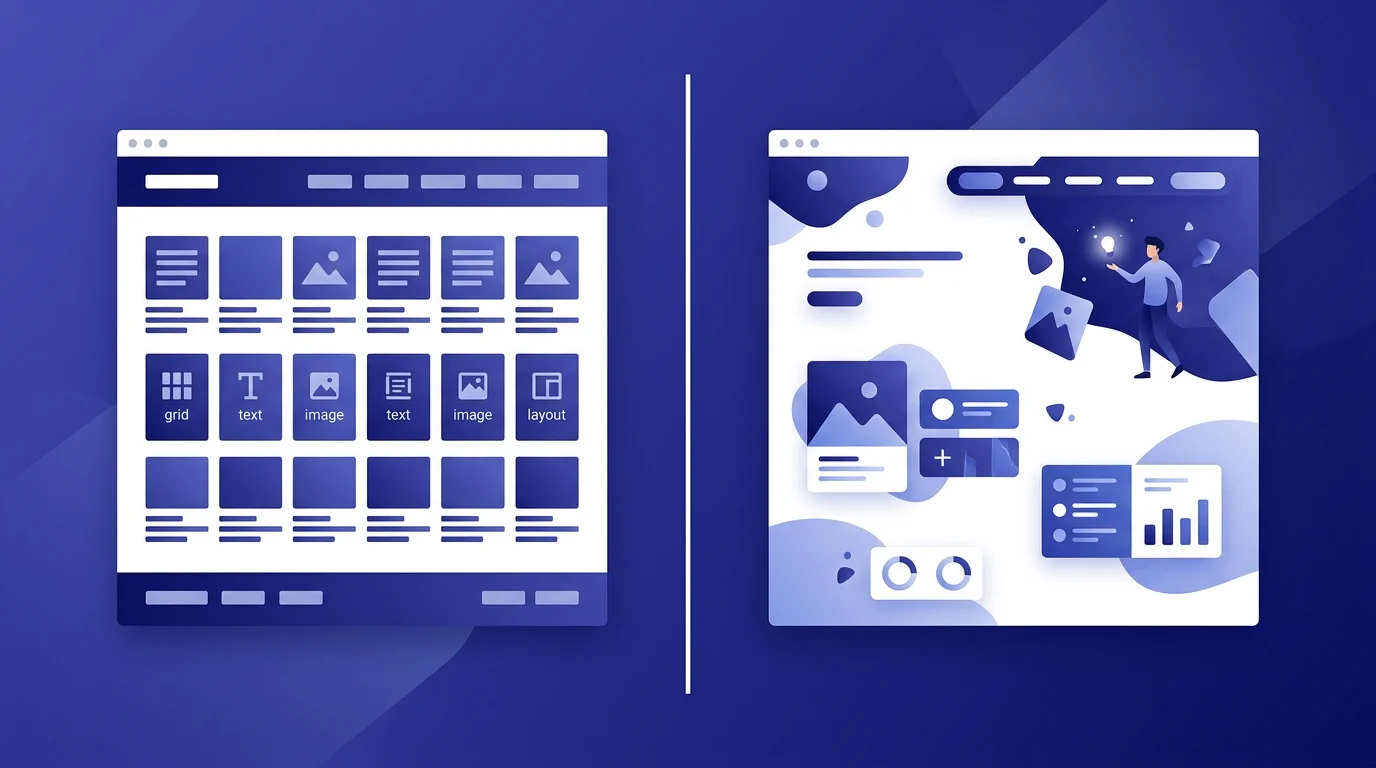
According to W3Techs data, WordPress powers over 40% of websites, so most business owners have heard of it and plenty of developers know how to work with it. That familiarity is useful. The platform still has to fit the job.
We usually get pulled into this decision after someone has compared the launch prices. The harder questions arrive later. Someone has to own updates and know the site's plugin dependencies. Then the business asks for a feature the theme was never built to support.
The familiar advantages of WordPress
WordPress became popular for practical reasons:
-
A low barrier to entry - you can publish a website within hours, even without programming skills
-
Thousands of plugins - add-ons cover contact forms, SEO, photo galleries and many specialized jobs
-
A large community - common problems are well documented, and finding a developer is usually straightforward
-
A low initial price - basic hosting and a free theme can get a small site online without a large first invoice
For a small publishing site, that may be exactly the right trade. A business website with custom workflows needs a closer look at maintenance and ownership.
The WordPress drawbacks that appear too late
The following problems tend to surface after the site has been running for a while. None is inevitable, but each needs an owner.
WordPress sites are common targets for automated scanning, and an outdated plugin, weak password or unpatched core can open a route into the site. Someone has to own updates, backups and access control because each plugin adds code from another supplier to that maintenance list.
A WordPress site can collect scripts and styles from its theme, page builder and plugins, though active control can keep that extra weight in check. Google's Core Web Vitals guidance gives the team a practical way to measure loading, responsiveness and layout stability.
A form may need one plugin, while SEO, caching and backups add others, leaving the site dependent on products maintained by different companies. Conflicts happen. An abandoned plugin may also stop working after a later WordPress release.
Popular themes reuse the same layout, animations and content patterns across many sites, so changing the colors and logo may still leave the underlying structure feeling familiar. A custom theme gives the designer a clean starting point, though it adds work.
The WordPress core, theme and plugins have separate release cycles, and a compatibility problem can blank a page, stop a contact form or keep a store from taking orders. Staging updates with a tested backup makes the routine less risky.
WordPress can support busy sites when the hosting, database and code are set up for the load, but large catalogs and complex filtering demand extra engineering beyond a basic installation, especially when traffic arrives in spikes. Custom architecture gives the team control over those decisions. It still needs measurement and maintenance.
The software may be free, while the working setup includes a premium theme, page builder, paid plugins, faster hosting and specialist maintenance whose bills arrive from several vendors. A launch-price comparison can miss them.
List the recurring items before choosing a platform: hosting, plugin renewals, backups, security work, updates and repair time. Compare that total with the support included in a custom proposal because the first invoice does not show the full cost.
What do you get with a custom website?
A custom build gives the project team control over the code and design, including its integrations, while the same team takes responsibility for the result:
Performance control
The website can ship only the code and assets its journeys need. The team still has to test it on real devices and connections.
A project-specific design
The layout begins with the company's offer and content instead of a theme demo. That gives the brand room to look like itself.
Security decisions
Custom code removes the familiar plugin and /wp-admin surface. It brings its own code to review, monitor and update.
Directly owned features
Integrations are written around the project. The company is less exposed to a plugin vendor's roadmap, while the development team owns future compatibility.
Room to change
Architecture can account for known growth plans. New traffic patterns or features may still require work after launch.
A different cost model
Plugin licenses may disappear, while custom development and support take their place. Compare the scope and several years of expected costs.
Our guide to the website development process follows a custom project from its first idea to launch.
Ask each supplier to include hosting, licenses, updates, backups and support in the proposal. A two-year view makes recurring costs visible without assuming which platform will be cheaper.
Where WordPress and custom development fit
WordPress has a useful place. These examples show where each route tends to fit:
WordPress is worth considering for:
A personal or hobby blog / An early website used to test an idea / A team that can maintain the platform / A site with familiar publishing needs
Custom development is worth considering for:
A company with a project-specific brand and content structure / A store with unusual integrations or workflows / A lead-generation site that needs close measurement / A product whose requirements do not fit an existing theme or plugin
See websites built from scratch
Our portfolio shows how we approach custom work. Each project began with the client's requirements, followed by design and development with testing tied to the agreed journeys.
For a company website, the useful test is concrete. Can a visitor understand the offer, find proof and send the right inquiry without fighting the page?
Choose for the next few years
WordPress can serve an early-stage project well, and careful teams run complex products on it. Limits appear when a company's workflows, design or integrations keep pushing against the chosen setup, which is why our UX guide starts with testing the customer journey before blaming the platform.
A custom website moves much of the design and development cost to the beginning. Before choosing it, write down the required journeys and assign an owner for maintenance. Add the changes already expected next year. Those notes give the scope call something useful to work with.
Rafał Krzysztofiak
CEO and founder of 234.studio. He has spent over 10 years designing and building websites and web applications for sole proprietors, growing teams and established companies.
More about the author