Mobile app MVP - how to plan version one without wasting your budget

CEO 234.studio •
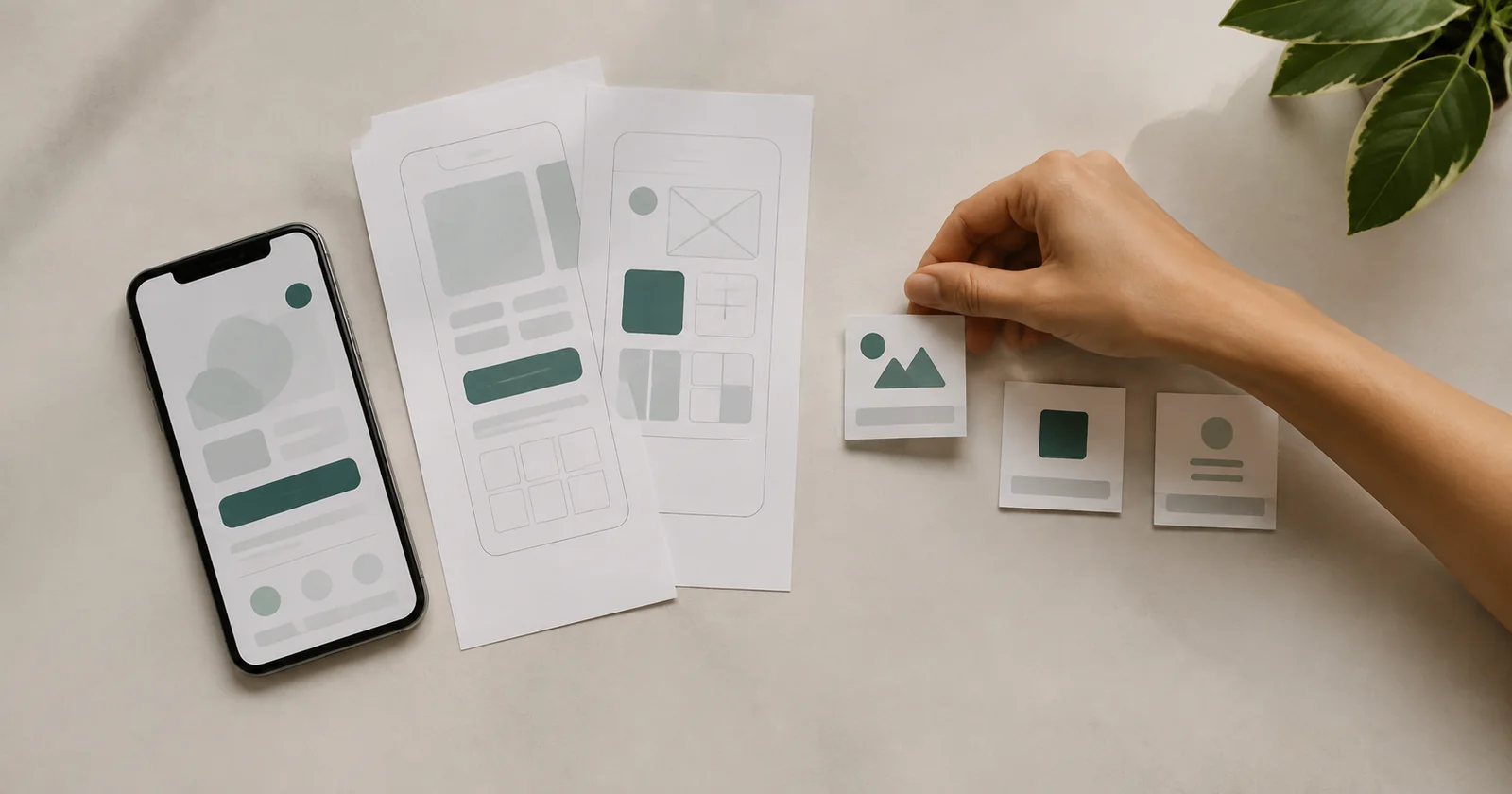
The planning board is already crowded. Google sign-in, chat, payments, referrals, dark mode and an admin dashboard sound reasonable on their own, but together they describe an app that nobody will touch for months.
That is an expensive way to begin because feature requests feel free during a meeting, then the bill arrives when every new screen needs design, code, data, error handling and testing across different phones.
A mobile app MVP gives the team a working slice of the product and an answer to one business question. Picture a property manager trying to replace a messy group chat and asking if cleaners will confirm completed turnovers in the app while they are still on site.
Start with a moment in someone's day
"We need an app for our customers" leaves out the useful part because it says nothing about the moment someone reaches for a phone, the job waiting for them or the result they expect within the next minute.
Write one sentence in plain language. "When X happens, this person needs to do Y so they can reach Z." A patient may want to move an appointment after the office has closed, while a field technician needs to close a service ticket from a driveway before heading to the next address.
Talk with a handful of people who perform that job today, ask them to show you the current process and watch for waiting, copied information or details they have to find twice. One candid conversation can retire a feature that looked certain in the conference room.
If this function disappears, can the user still solve the main problem from start to finish? A "yes" moves the idea to a later release. It remains visible without holding up the first launch.
Draw the shortest complete user path
An MVP needs a beginning and an end, so the user creates an account, completes the job, receives confirmation and can return to the result. A polished home screen without a working save is a mockup, while a form that fails silently leaves the task halfway done.
Draw that path on paper or in a clickable prototype before coding begins, then put it in front of someone outside the project and watch where their finger pauses during the task. Stay quiet. Fifteen minutes of observation can settle an argument that survived an hour of discussion about button color.
Describe the use moment
Record who opens the app, where they are and what has to happen next. A specific scene controls scope better than a broad persona.
Sketch the path
Connect the screens required to start, complete and confirm the main task. Include errors, an empty state and a lost connection.
Test the prototype
Ask several intended users to finish the task without instructions. Write down hesitation points and the questions they ask on their own.
Lock the release
Record version-one functions, deferred ideas and acceptance conditions. A new request enters only after the team deliberately swaps out work of similar size.
Some apps also need staff roles, an operations dashboard or connections to company systems, which makes the phone one piece of a larger product. Planning a custom web application for the team at the same time prevents a makeshift admin panel from becoming the next emergency.
Separate release needs from conveniences
The word "essential" loses meaning quickly in a planning session, so give every proposed function one of three homes and add the reason it belongs there. A label without a reason tells the team very little.
Version-one core
The user can complete the primary task, save the result and manage the account safely. Removing one of these items would break the product test.
Release operations
Key-event analytics, error reports, consent, user support and a basic way for staff to handle content or requests belong here.
Later releases
Personalization, extra roles, elaborate reports, referral programs and small conveniences wait for evidence from real use.
Consider a class-booking app. It needs available sessions, booking, cancellation and confirmation. Instructor ratings can wait. Chat can wait too if the business can handle the first batch of post-booking questions by phone or email.
The invisible work still counts. Backups, permissions, failed-request handling and account deletion do not make a lively product demo, but skipping them creates a brittle release. Narrowing the business scope saves money. Buried technical work returns as an urgent fix after launch.
Plan the data before polishing screens
The phone is only one side of the system, so decide where information comes from, who may change it and how the product behaves without a connection, with payments and personal data adding access rules, operation logs and deletion requests to the conversation.
A basic data map will do. List the objects, perhaps user, booking and payment, then mark the owner of each record and the roles allowed to read or edit it. This one page sounds technical, yet it catches expensive gaps before they reach a high-fidelity design.
The staff also needs a manual recovery path that answers two awkward questions: if a payment succeeds but confirmation fails, who can find the transaction, and who corrects a bad appointment time? Well-planned mobile app development accounts for the people working on the other side of the screen.
Release work starts before store submission
An app store should not host the product's first serious test. The Apple App Review Guidelines call for a complete, functioning build. Its backend must be live during review, and gated functions require a demo account or a fully featured demo mode. Apple also expects enough lasting utility to rise above a repackaged website.
Google frames quality around the app's core user need. Adding capabilities cannot leave the experience cluttered or buggy. Its related guidance covers user experience, technical quality and privacy, so release criteria need to cover all three areas.
-
A working production environment and demo credentials for the reviewer
-
The complete user path tested on real devices, including a weak connection
-
Clear messages for errors, empty states and missing permissions
-
A privacy policy, required consent and a way to delete the account and its data
-
Support contact details and a named owner for post-launch response
-
Main-goal analytics and crash reporting configured before submission
On Android, Android vitals covers crashes and ANRs, the failures where an app stops responding. Firebase Crashlytics reports crashes, non-fatal errors and ANRs, giving the team an affected release and device to investigate. That beats working from a one-line support message that says, "it broke."
Measure a decision instead of activity
Download count makes an attractive slide but says little about the job the app was built to handle, so a booking product should track a completed first reservation, while field service software may use a properly closed ticket. Use the question from the opening workshop to choose the event.
Before launch, write down the result that would lead the team to continue, change the flow or stop the idea because an industry benchmark cannot answer that for you. Compare the current process cost with early user behavior, then interview people who abandoned the task.
Review four areas after release: primary-task completion, exit points, return use and stability. Then reopen the deferred feature list, where the evidence may put those sticky notes in an order nobody predicted during planning.
A brief the team can build from
A useful MVP brief fits into a few pages and contains the user situation, complete main-task path, closed scope, data map, release criteria and measurement plan. Screen sketches and unresolved decisions sit beside it.
Send that brief to the product owner and technical team. Ask each person to name one function held for the next release and the event that will judge the MVP. Clear answers mean the team can estimate the work and plan its first sprint. At the next meeting, the team can work from the product brief and finally clear the sticky-note board.
Rafał Krzysztofiak
CEO and founder of 234.studio. He has spent over 10 years designing and building websites and web applications for sole proprietors, growing teams and established companies.
More about the author